Useful Expressions
The Simple Language uses concepts from another language KernelF which has several useful tools for writing expressions in more visual formats. There are also some peculiarities with writing expressions that this guide hopes to explain.
For more background on KernelF the mps-platform-docs can be found here

Blocks
Expressions in kernel F are singular lines by default. To use multiple lines, a block expression needs to be used. The value of a block will be the value of the last line within the block.
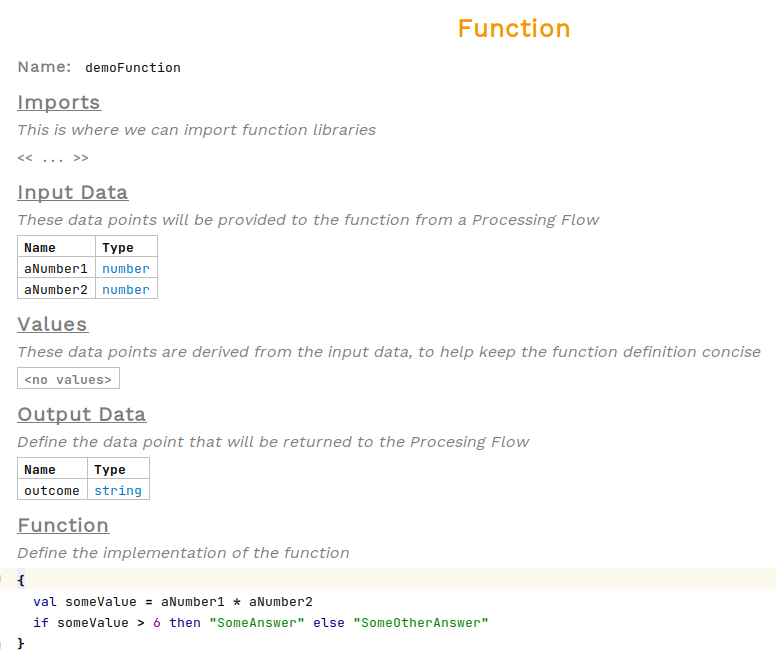
To use a block, type { within and <expr> cell
Records
To create instances of classes within an expression use the hashtag key. This will instantiate a record.
To choose the type of the record, move the curser to just after the hashtag and press Ctrl+Space to see the available types. If the type you are looking for is not in the list, check the record, or the value library it is from, has been imported at the top of the node.
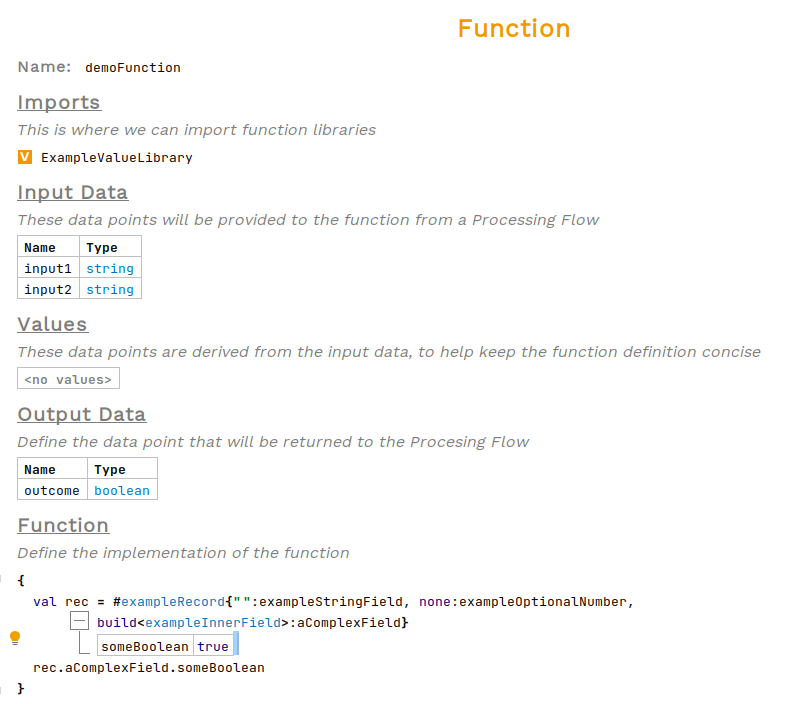
To set the values of the record field’s type in the values just before the field name. If a field should be null use the keyword none. If a field is missing, press enter from within any field to add an entry to the end of the record.
Dot Operations
Dot operations allow access to record fields and properties. Press . after an argument, then Ctrl+Space to see the available fields and methods.
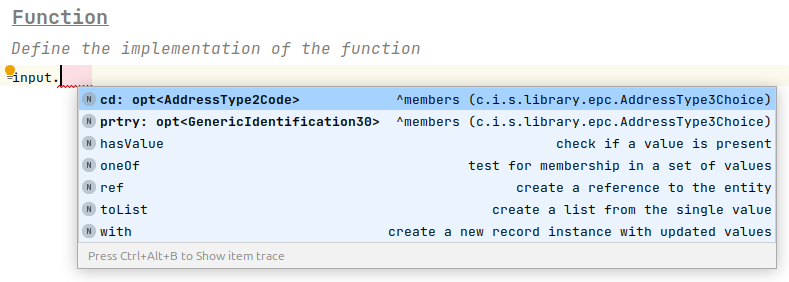
Optional Type
KernelF contains an optional type, displayed as opt<ExampleType>, that will hold either an instance of the parameterised type or empty. Generally these are used to represent nullable fields. There are a few methods relating to optional types.

To check if an optional is empty the hasValue operation is used, returning true if it has value and false if empty.

The Bang operation, also known as force away or get, retrieves the contents of an optional, converting it from type opt<ExampleType> to the contained type ExampleType. It is written using the ! symbol after the value.
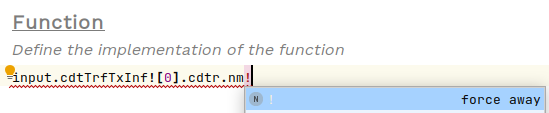
Another method to use on optionals is the ?: operation. This checks the value of the optional, and if it has a value returns it, if it is empty returns the alternative given. To use, first press Space followed by ?:.
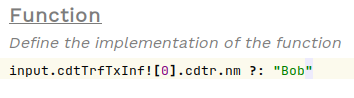
Note that this isn’t null safe for all but the last field in the chain. So, in the example above, if the cdtr field is empty an exception will be raised at runtime.
Index
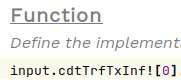
To select a specific index of a list, use square brackets []. If the field is an optional type, you will first need to get the value using !.
Alternative
The alt expression is equivalent to a sequence of if-else blocks but is easier to read. The row’s condition on the left is tried in order from top to bottom, returning the value on the right. A final row with the keyword otherwise is used if all other checks fail.

To use this structure, type alt within any <expr> cell.

Table
Similar to alt but for more complicated conditions, the table takes a column for each variable and a row for each value those variables can take. These rows are evaluated top to bottom, and the value in the final column is given as the response. Any blank cells are ignored in each check. The final row is the default case and should be left blank except for the response cell.
Multiple response columns can be given, which will result in a tuple as the response.
Below is an example of using a table for address validation:

To use this structure, type multiDecTab within any <expr> cell
