Text Diff Module
The text diff module is responsible for displaying the difference between two JSON objects or two XML objects.
It is also able to display the difference between two different objects such as a JSON and XML object.
It is built using Google’s diff-match-patch library. Currently, this module is used in ods in the compare modal
component which displays the difference between two payment objects.
The text diff component has a few different options that can be used to customise the output. For example, you can view the difference side by side or line by line, show only the lines with differences, and choose whether you want the differences highlighted or not.
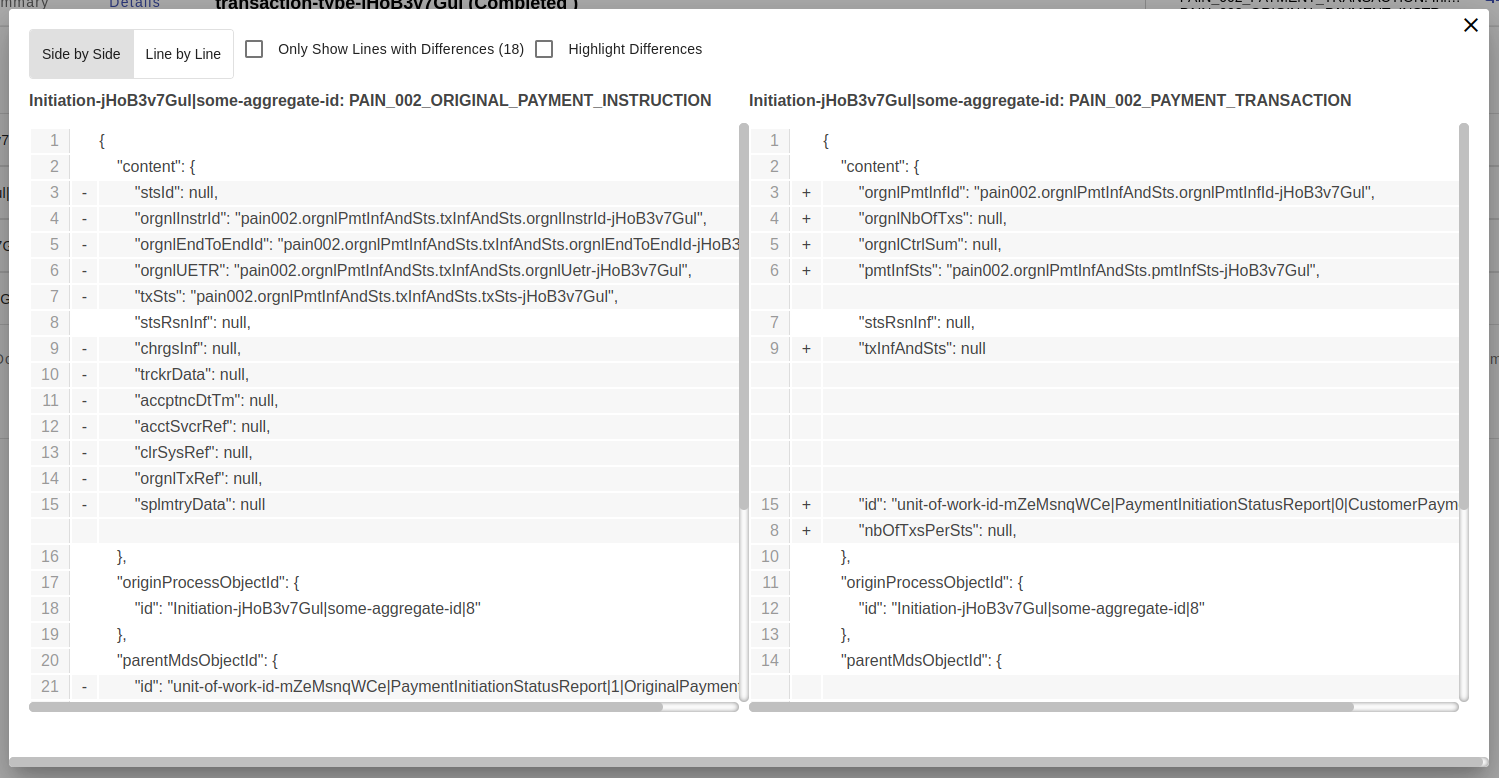
This is what the text diff component looks like with the default options.
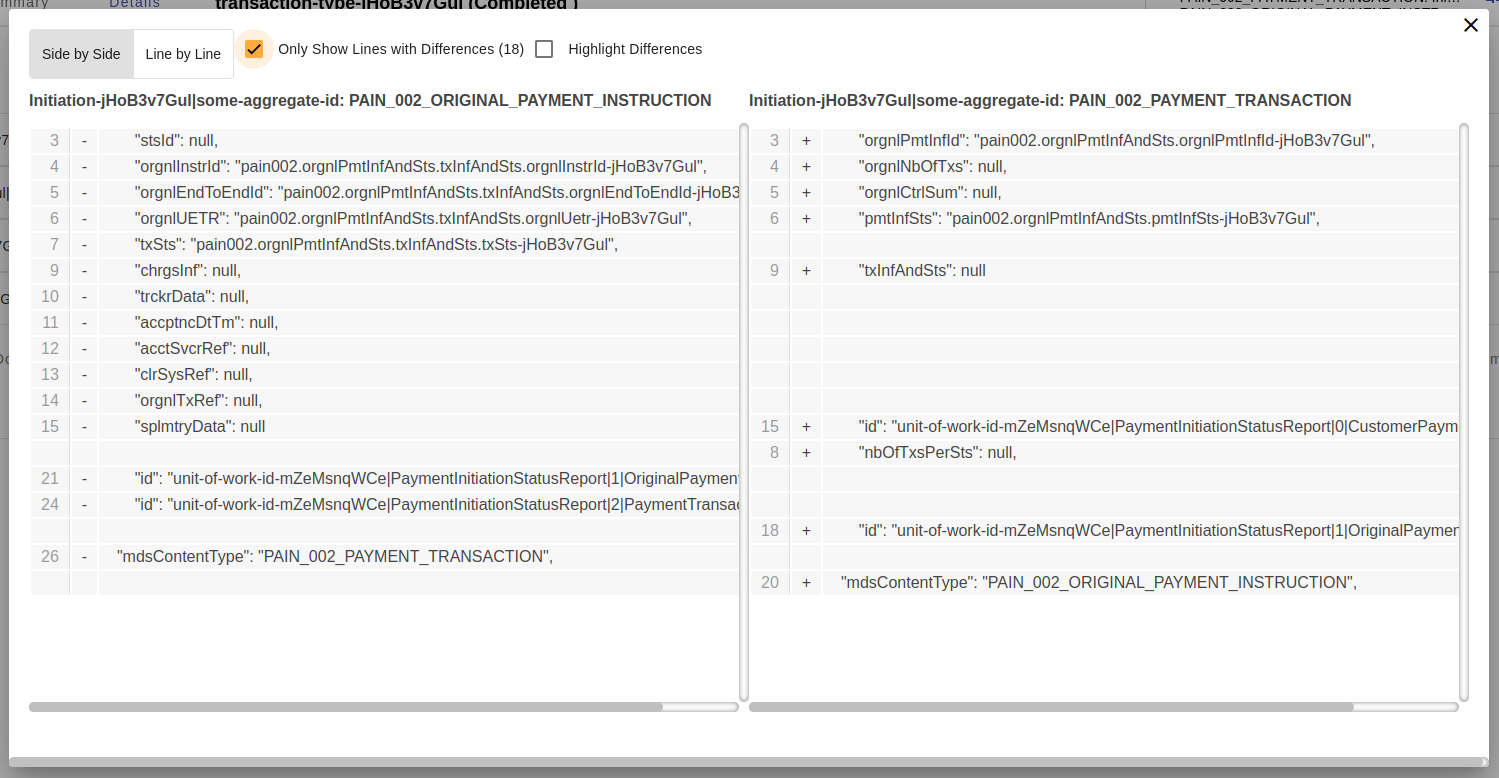
This is what the component looks like when the option to show only the lines with differences is selected.
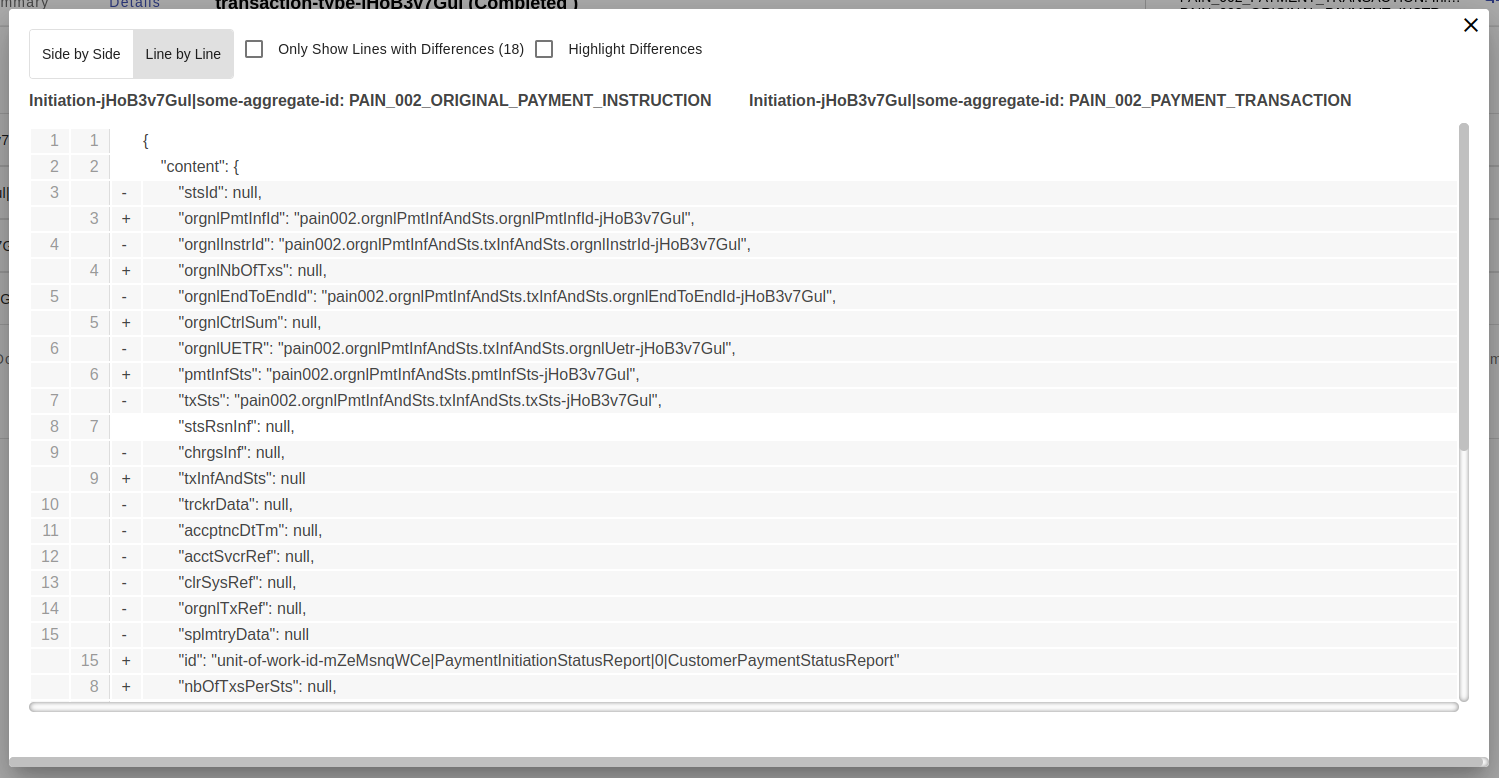
This is what the component looks like when the option to show the differences line by line is selected.
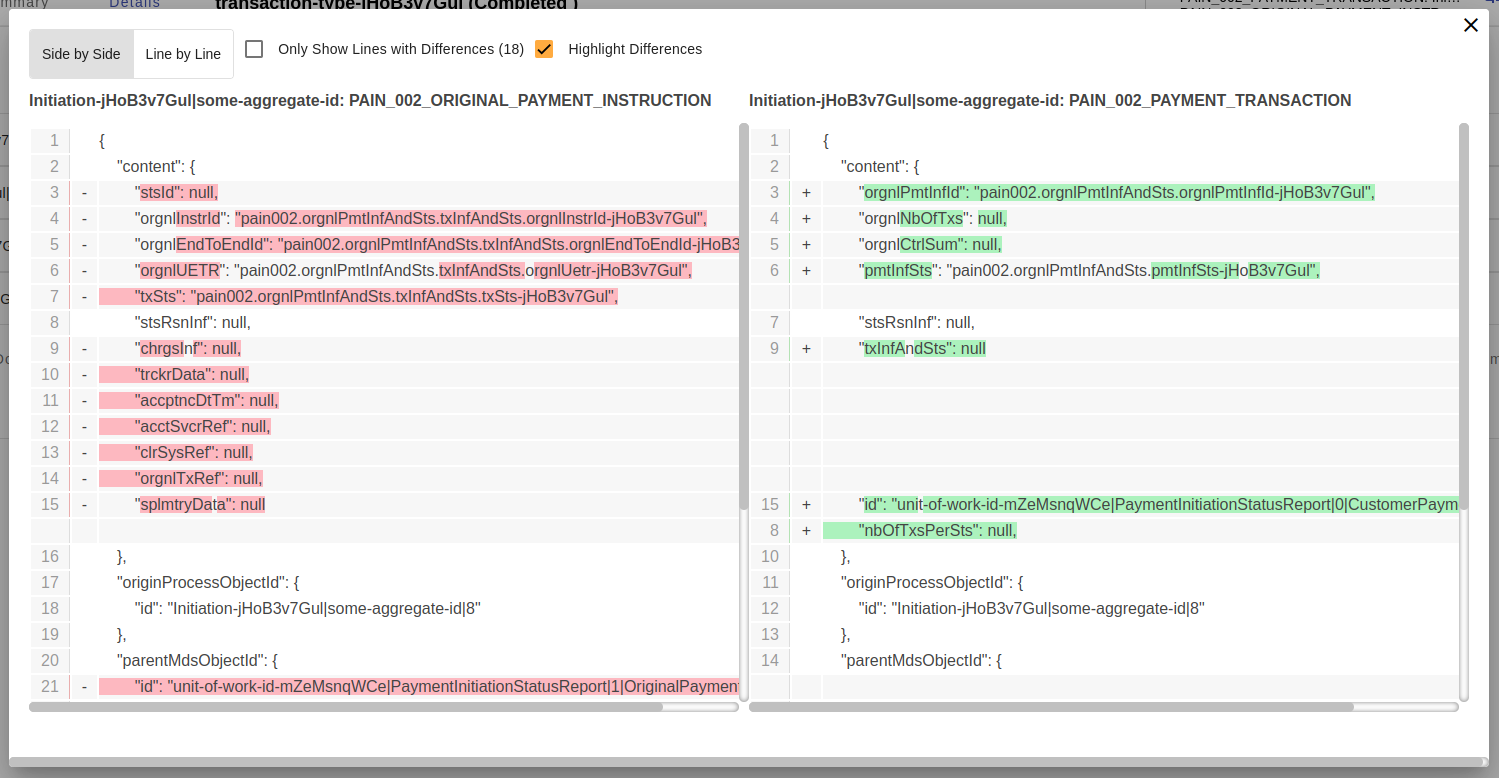
This is what the component looks like when the option to highlight the differences is selected.
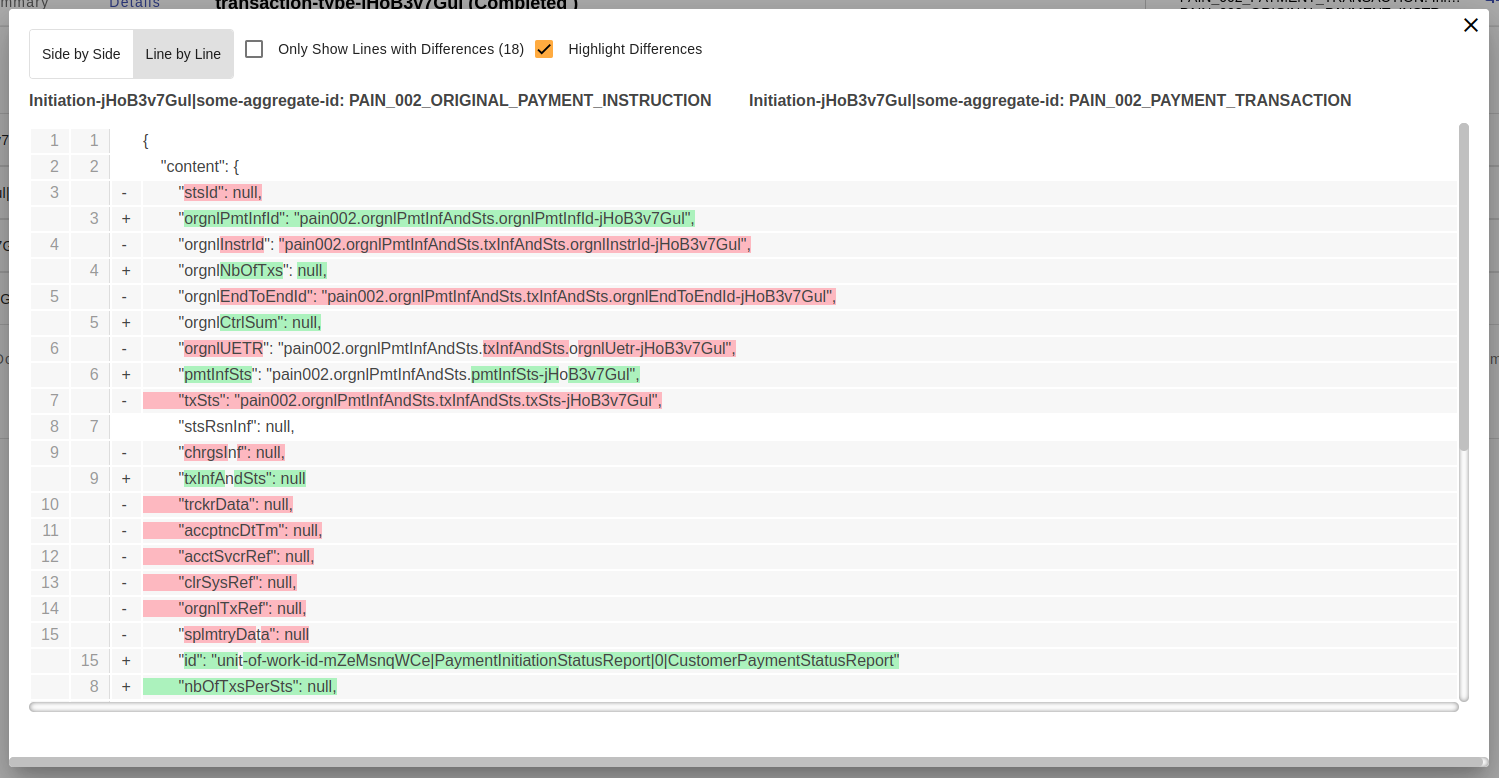
This is what the component looks like when the option to highlight the differences line by line is selected.
| Name | Description |
|---|---|
@Input() titleLeft: string |
The title to be displayed on the left side of the text diff component. |
@Input() titleRight: string |
The title to be displayed on the right side of the text diff component. |
@Input() left: string |
The left object to be compared. |
@Input() right: string |
The right object to be compared. |
Example usage:
<ipf-text-diff
    [titleLeft]="data.comparisonLeft?.title"
    [titleRight]="data.comparisonRight?.title"
    [left]="data.comparisonLeft?.payload | prettifyString"
    [right]="data.comparisonRight?.payload | prettifyString"
>
</ipf-text-diff>