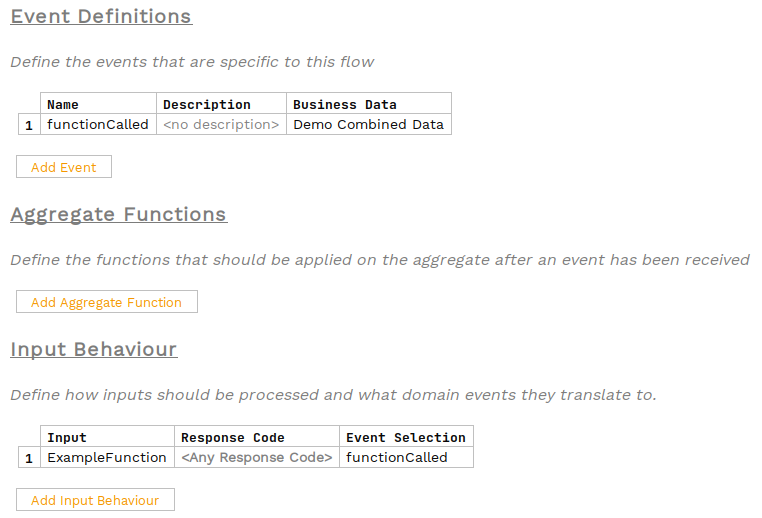
Using Business Functions in Flo-lang
Business Functions can be integrated into a flow to allow for mapping onto business data elements from within the DSL directly, without needing to write a Java implementation of a mapping port.
To create a business function, follow this guide:
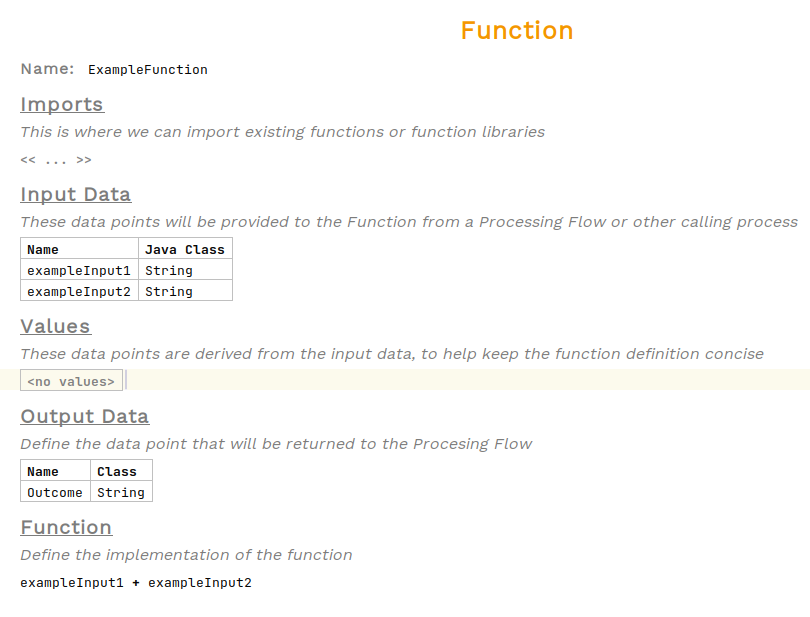
For this example we will use this Function:
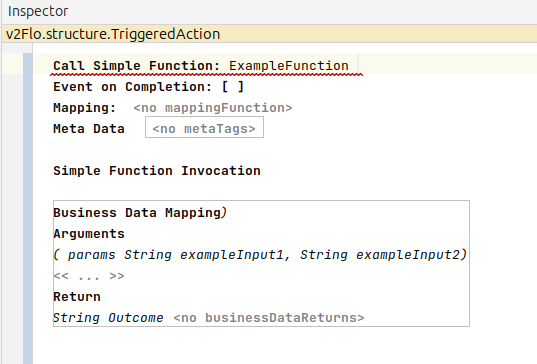
Functions can be called as an action. Select the Perform Action cell on the behaviour you will be calling the function from and select Perform Action then select the Function to be called.

Hovering over the action will show the function requires both input and output business data. To add these, open the inspector.

To open the inspector, either right-click and choose Inspect Node or use the shortcut alt+2
|
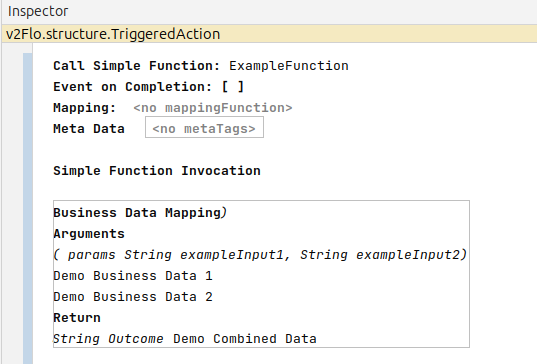
Adding the relevant business data
Now we just need to add the events