Using Decisions in Flo-lang
Rules Designer decisions may be used within flo-lang in the same places that v2Flo decisions can be used with only minor differences. Their intention is to enable adding of decisions into the flow directly using the DSL without requiring Java experience. To create a Rules Designer decision, see here:
To implement using v2Flo Decision Libraries instead, see the tutorial here:
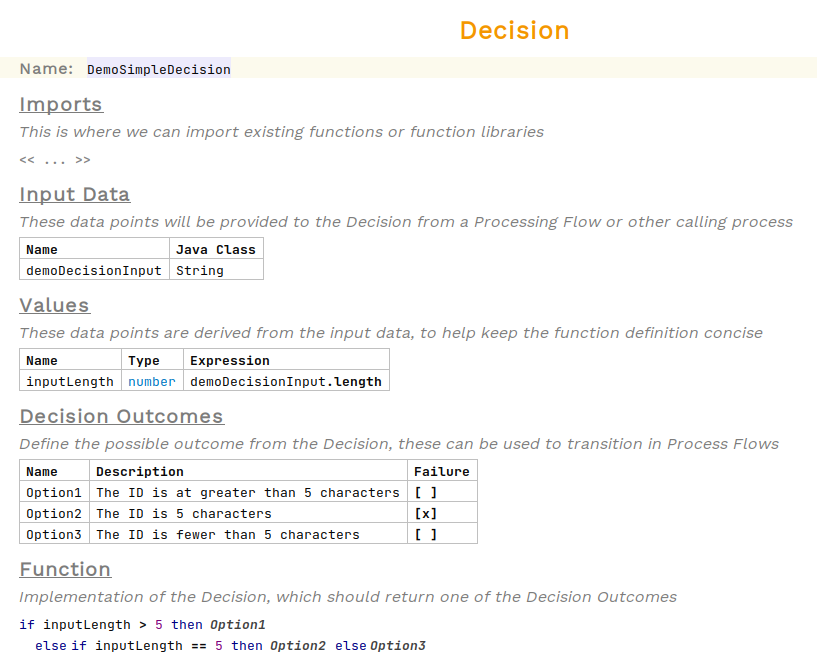
For this example we will use this decision:
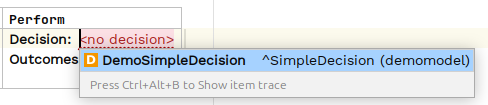
Decisions are called as from the Perform Action section of behaviours. Click on the cell and press Ctrl+Space to see the available options. Select Perform Decision

Now choose the decision you want to use.
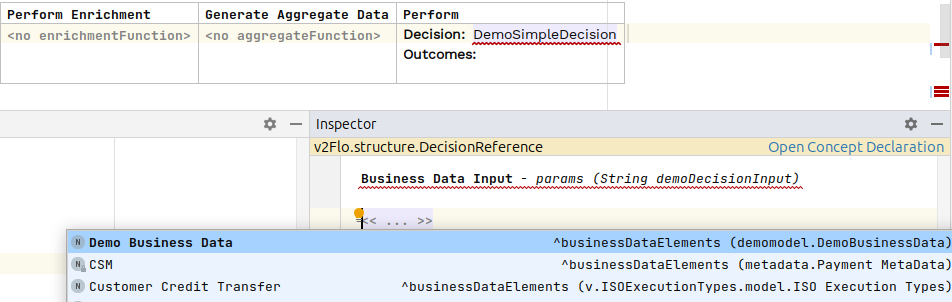
To pass in the input business data for the decision, you will need to open the inspector and use Ctrl+Space to see available data elements.
To open the inspector, either right-click and choose Inspect Node or use the shortcut alt+2
|
For each possible decision outcome, choose either another action to call or an event to raise if that path is taken.
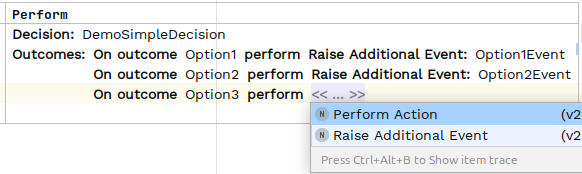
Any additional events need to be defined higher up in the Event Definitions table.
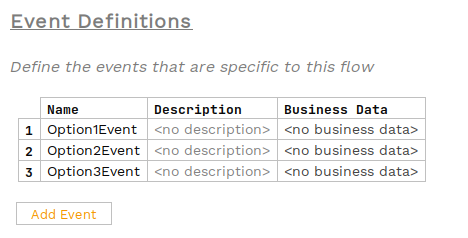
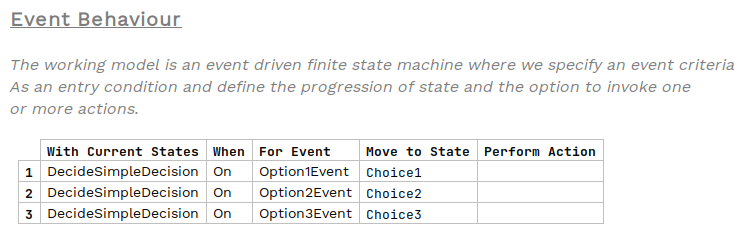
Now these events can be used within other behaviours to determine which state to transition to next.