Importing The Rules Library
To make use of the Rules Library within the DSL it must be imported into the solution and the model, and the Java classes should be added to the external library module.
Import into the Solution
-
Open MPS to the solution you intend to use the Rules Library within.
-
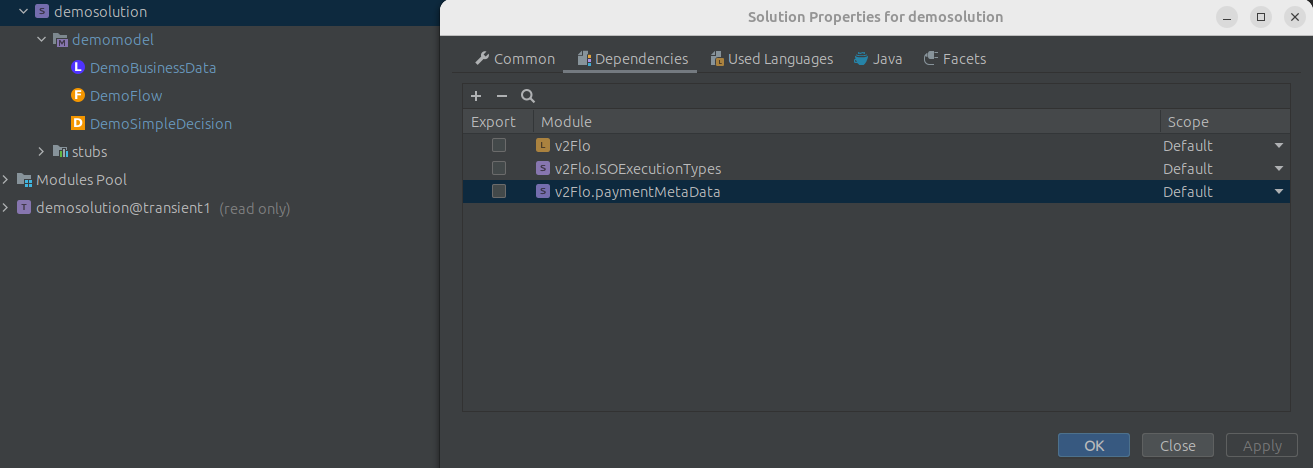
Right-click on the solution and select "Module Properties"
-
Select the "Dependencies" tab and click the plus symbol in the top left corner
-
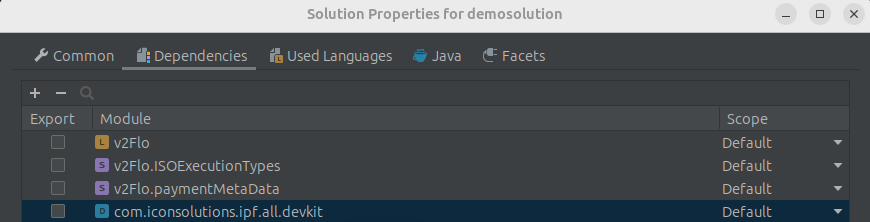
Search for one the devkit and select it
-
Click apply
Import into the Model
-
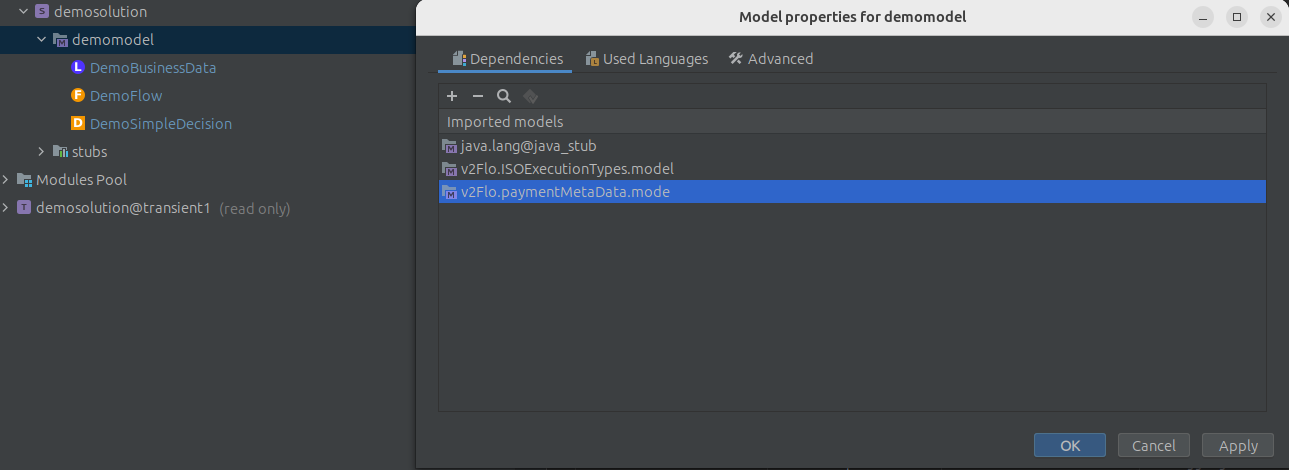
Right-click the model and select "Model Properties"
-
Select the "Dependencies" tab and click the plus symbol in the top left corner
-
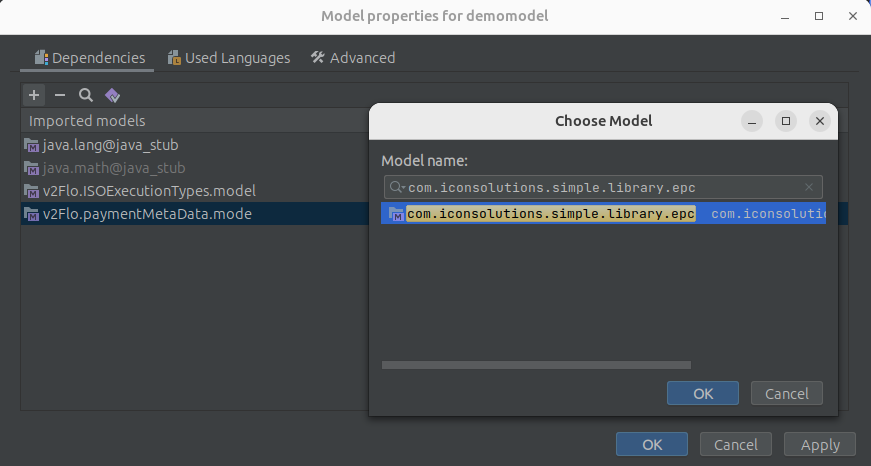
Search for the required function library of the form
com.iconsolutions.simple.library.*(epc,iso or common)
-
Click apply
Import the Java classes of the functions
-
Within IntelliJ go to the pom of the external libraries module
-
Add this dependency
<dependency>
    <groupId>com.iconsolutions.dsl</groupId>
    <artifactId>icon-languages-runtime-dependencies</artifactId>
</dependency>
The version should match the property of icon-languages.version from flo-parent