Defining Global States for a Flow
The first step in defining global states for a flow is selecting a global state set. A default set of global states is provided out of the box:
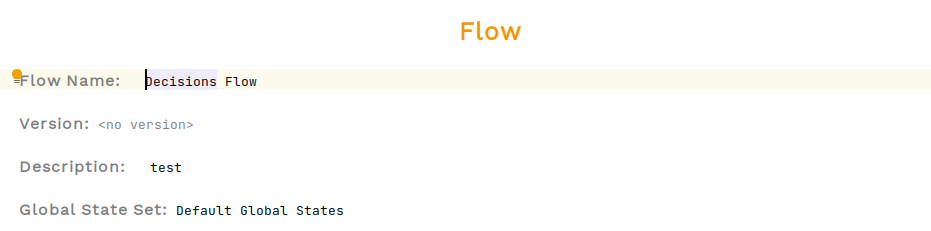
Once this is set, we can use this to specify the global state for each of the states the flow can reach.
Normal States
We define 'normal' states as those that are used during flow processing. These are defined at the top of the flow view, under the 'State Definitions' header, and global states can be set for each 'normal' state:

Decision States
Decision states are a special type of state that can be defined in-line within the Initiation and Event Behaviour sections of the flow definition. As these can only defined in-line, it means the global state for these states must be set at the point in which they are defined using the inspector. To set a global state for a decision state, open the inspector panel Ctrl+Alt+I and select the global state as follows:

Flow States
Global states for flow states are configured in the same way as for decision states — by selecting the flow state, opening the inspector, and setting the global state.
| For subflows, the state defined in the subflow is transient and not used during processing. In this scenario, the global state will be set to the first global state defined within the subflow. |