Process Object Catalogue - Search System Events
Introduction
This page will give an introduction to the IPF Search System Events screens. These are designed to be used by an operator to search and view all message logs stored within the library.
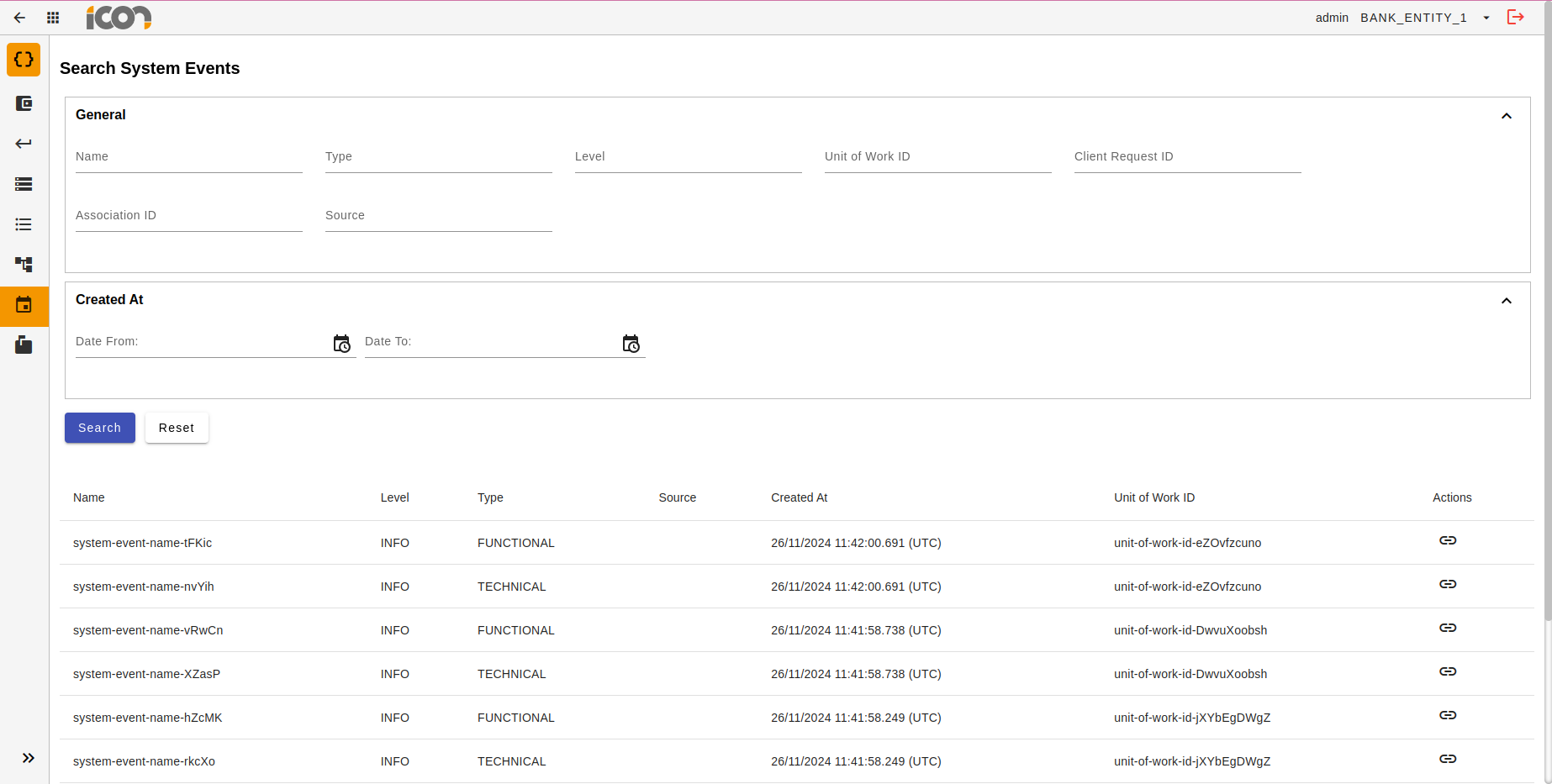
To navigate to the Message Logs screens, operators should click on the ODS Search module from the Operational Dashboard homepage. Operators must then select the 'Search System Events' option from the side navigation bar. This will navigate to the System Events search UI.
Search
Search Identifiers
The operator can input data into any of the available search fields and, upon initiating the search, will receive a tabulated display of the System Events that match the specified criteria. Selecting the reset option will clear the search parameters and restore the default settings.
| Identifier | Description |
|---|---|
Name |
The name of the System Event. i.e. Action Invoked |
Type |
Functional or Technical |
Level |
Debug, Info, Warn, Error |
Unit of Work ID |
An internal IPF identifier that tracks the global processing of an item of work through the entire journey within IPF processing services. |
Client Request ID |
The client-specific value that allows association and inquiry to an IPF unit of work. |
Association ID |
The ID within the Processing Context which associates a point-in-time event (such as a message-log or system event emission etc.) with a local context such as an IPF Processing Flow. |
Source |
Source of the System Event |
Created At |
From and To dates to narrow down search results. |
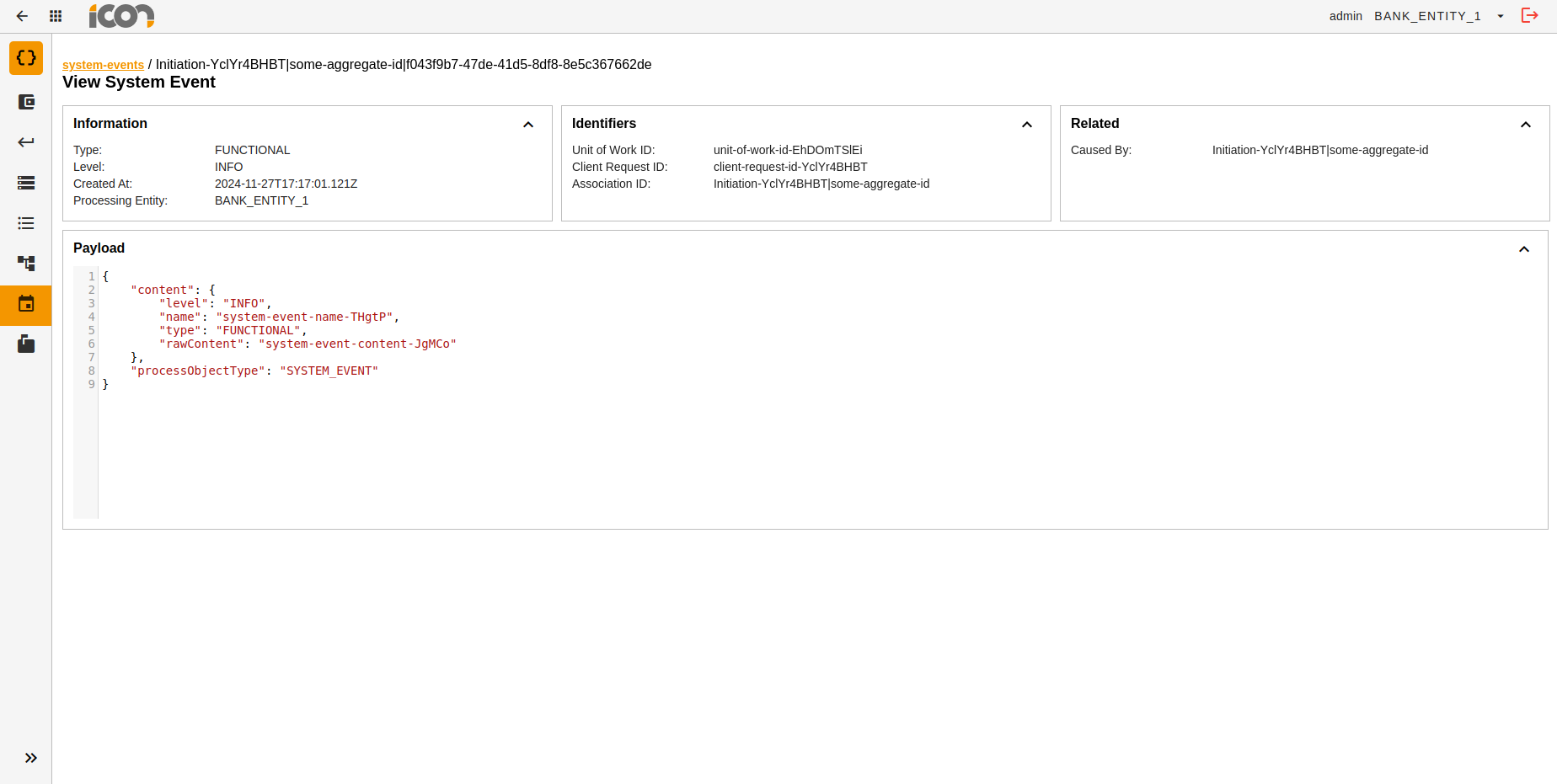
| As part of the core product, IPF tracks some events. Clients can subscribe to these events and can also define their own events. |