Processing Settings
Introduction
These sub-pages will give you an introduction to the existing IPF Processing Settings and their purpose. These GUI screens are designed to be used by an authorised operator to maintain various settings that may be required for processing within the IPF platform.
| Processing settings can also be maintained and updated using APIs and config files. |
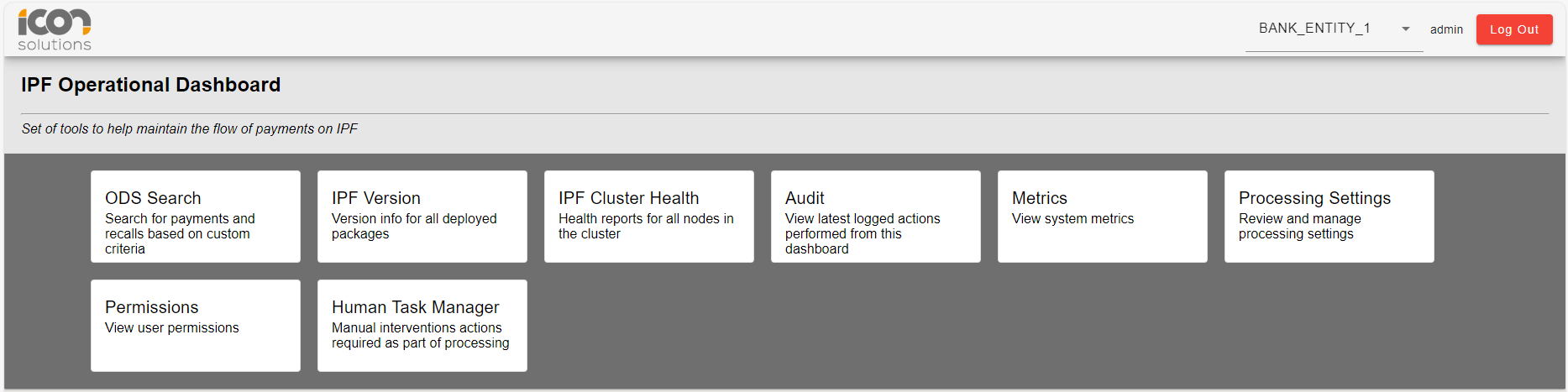
Permissions
Access to the various processing settings screens is managed by permissions. Users can learn more about permissions in IPF here, Permissions.
Approvals
The approvals process when creating, modifying or deleting any of the processing settings is the same. Only users with the appropriate permissions are able to approve the creation, modification or deletion of a processing setting.
Statuses
All IPF Processing Settings will have a status assigned to them. The list of supported statuses are as below:
| Status | Description |
|---|---|
Active |
The setting has been approved and can be used. |
Active Approval Pending |
The setting is active but has modifications that have not yet been approved. |
Delete Approval Pending |
Deletion of the setting has been initiated but is yet to be approved. |
Inactive Approval Pending |
The setting has been created but is yet to be approved. |
Inactive |
The setting has been deactivated and cannot be used. |
Actions
All IPF Processing Settings are managed using action buttons. These buttons function in a similar manner across all settings and are outlined below:
| Action | Description |
|---|---|
Create |
Allows operator to create a new setting. |
View |
Allows operator to view (read-only) more details about the setting. |
Modify |
Allows the operator to edit/modify an existing setting. |
Delete |
Allows the operator to initiate deletion of an existing setting. |
Approve |
Allows the operator to approve an action. |
Reject |
Allows the operator to reject an action. |
Cancel |
Allows the operator to cancel/close a modal. |