Initial Setup
Setting up your own Environment
You’ll need to make sure you have the following installed before starting this tutorial:
You’ll also need access to the project repositories stored in bitbucket. We recommend you use a git client for retrieving the projects, although they can be downloaded through the website also. Please take a note of the location you install the project too as this will be needed in the later tutorials.
Following the Tutorial
The rules-designer-tutorial is split into a set of solutions, each corresponding to a step within the tutorial starting with the initial-solution.
The project has a supporting-app module for running a docker image of Mongo and the developer app to test out the application after each step. This isn’t required to understand the concepts involved, and the tutorial can be completed mostly within IPF Studio.
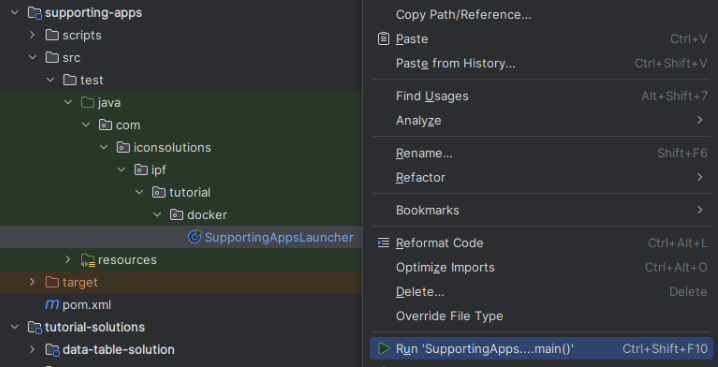
To start docker containers for the supporting applications, first run the command on the supporting-apps directory.
mvn clean installThen right click and run the SupportingAppsLauncher
After each step is completed, build the specific solution also with:
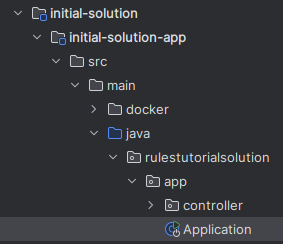
mvn clean installThen run the solution’s Application class