Documentation for a newer release is available.
View Latest
Permissions Screen
Introduction
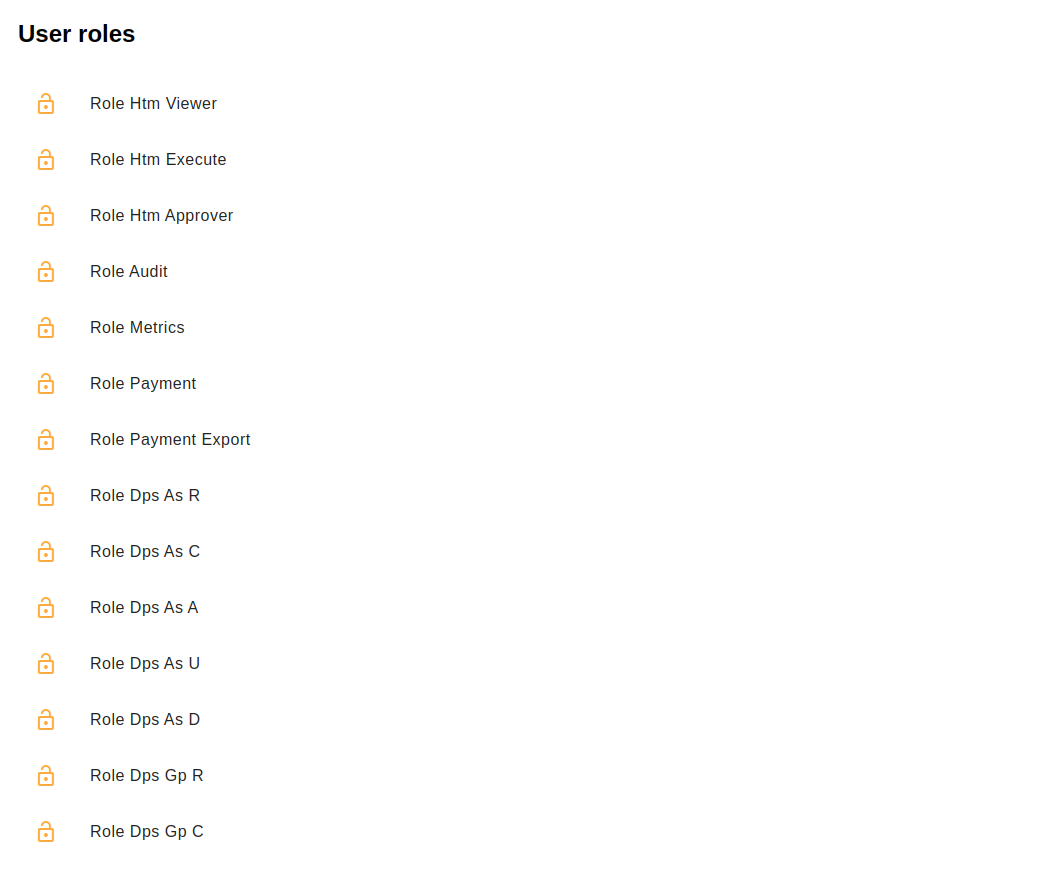
This is a helper screen detailing the roles for the logged-in users for a given processing entity. Should you be missing a role, contact your support team.
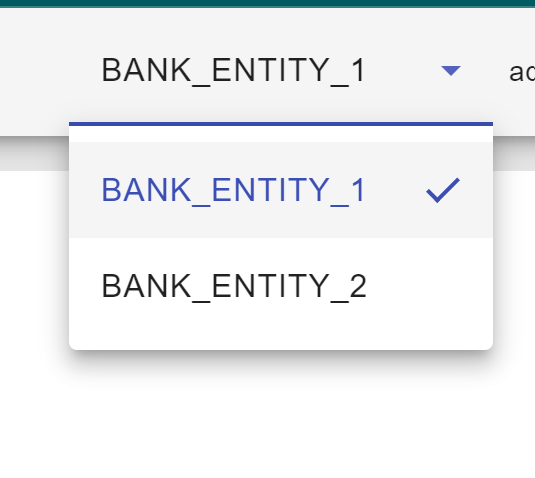
To see the roles for another entity, change it using the dropdown in the nav bar.
Getting Started
To begin using the library simply run npm i @iconsolutions/permissions in whatever angular app you need to use the library in.
You will need to add the following to the app routing module:
{
    path: 'permissions',
    loadChildren: () =>
    import('@iconsolutions/permissions').then((m) => m.PermissionsModule)
}