Documentation for a newer release is available.
View Latest
Esta página no está disponible actualmente en Español. Si lo necesita, póngase en contacto con el servicio de asistencia de Icon (correo electrónico)
Permissions Screen
Introduction
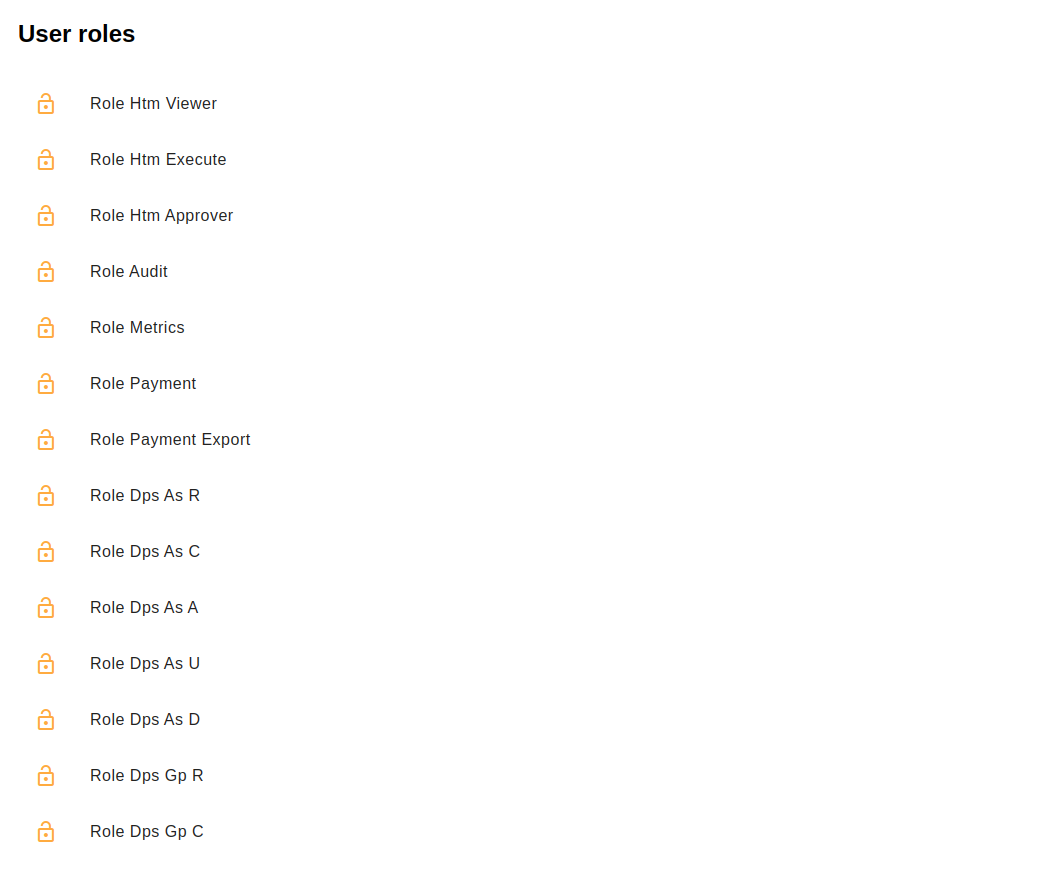
This is a helper screen detailing the roles for the logged-in users for a given processing entity. Should you be missing a role, contact your support team.
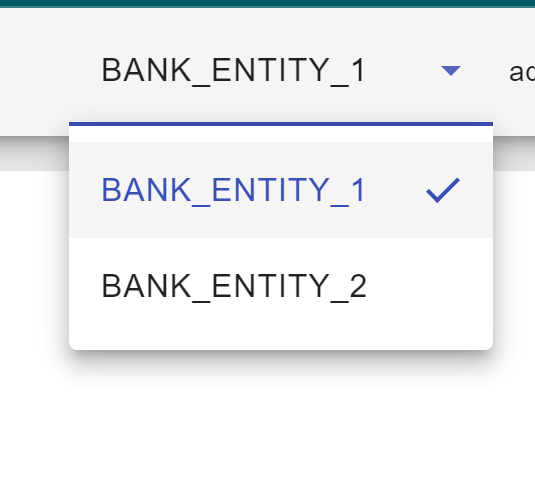
To see the roles for another entity, change it using the dropdown in the nav bar.
Getting Started
To begin using the library simply run npm i @iconsolutions/permissions in whatever angular app you need to use the library in.
You will need to add the following to the app routing module:
{
    path: 'permissions',
    loadChildren: () =>
    import('@iconsolutions/permissions').then((m) => m.PermissionsModule)
}