Getting Started
Flo-Lang is a DSL built with Jetbrains MPS that was designed to model orchestration workflows and generate various software components that can be used in a Java application. Currently, these are:
-
Akka Event-Sourced Domain model + Finite State Machine
-
Graphiz graphs for visualising the flow
-
Test-FW complaint BDD Test scenarios for the possible permutations through the flow
-
Embeddable documentation from the model, in the form of Asciidoc
MPS itself is traditionally IDE driven, so we have built a set of modules and configurations that allow transparent integration into downstream projects uses, providing that the downstream project is Maven based, and adheres to a set of conventions.
Note that whilst the MPS IDE (Or Intellij with MPS Plugins) is needed to create and modify solutions, it is not needed to compile existing solutions via the Maven build. The Maven build process actually downloads an MPS binary and compiles the solution in a headless mode.
Users have several options on workflow with regard to obtaining MPS.
1. Installing MPS
Current working MPS version for command line builds and IDE is 2021.3.1.
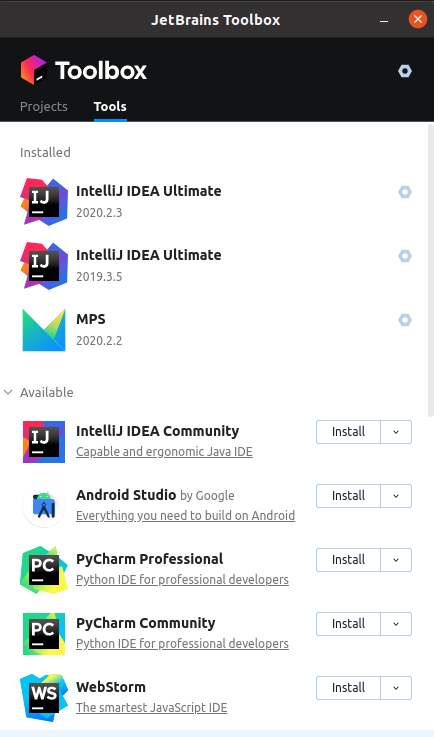
The most common way to install MPS is via Jetbrains ToolBox as this manages installation of different versions.
An alternative is to use the MPS binary that gets downloaded and compiled against as part of the build process.
|
There is a shell script to start the IDE in the following equivalent folder: <your_project_root>/<your_domain_root>/mps/target/mps/bin/mps.sh |
Project Setup
It is always advised that to create a new project setup you use the IPF archetype. This provides a simple mechanism to bootstrap a new project and gives you the ideal launch pad to create your payment flows.
Once your new project has been set up using the archetype, we can simply open the project in MPS by selecting File/Open and then navigating to <generated_archetype_root>/domain-root/mps.