Migration Steps for IPF-2023.4.1
Version Updates
It is recommended that you upgrade directly from 2023.3.0.x to 2023.4.1 if your solution uses aggregate functions.
|
To migrate to 2023.4.1, please perform the following steps:
-
Update your BOM version to the new release version
2023.4.1
<parent>
    <groupId>com.iconsolutions.ipf</groupId>
    <artifactId>ipf-release-core-bom</artifactId>
    <version>2023.4.1</version>
</parent>-
Update all the flo versions within the domain folders to
2.3.2. Namely, in "docs", "domain", "external-libraries", "mps", "sampleapp" and "test" modules, update to look like:
<parent>
    <groupId>com.iconsolutions.ipf.core.flow</groupId>
    <artifactId>flo-starter-<modulename></artifactId>
    <version>2.3.2</version>
    <relativePath></relativePath>
</parent>-
Run a Maven build to retrieve all the latest dependencies.
DSL Migration
If upgrading from 2023.3.0.x, please follow the steps in IPF 2023-4-0 DSL Migration section, but replace the step for migrating your solution in MPS with the ones in this section.
|
-
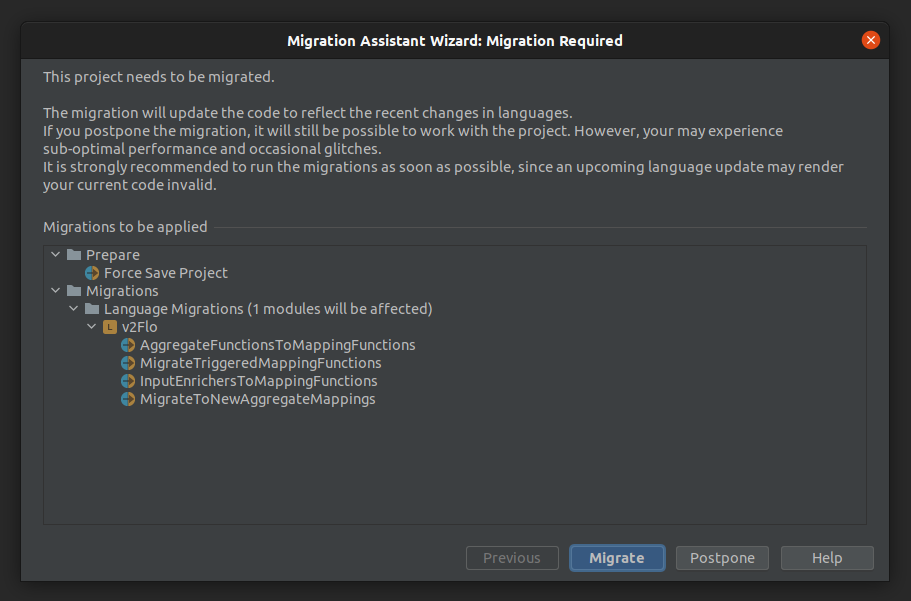
When you are prompted to migrate your solution in MPS, click
Migrate. The 'migrations to be applied' may look different to that shown below, as they depend on which version you are migrating from.
-
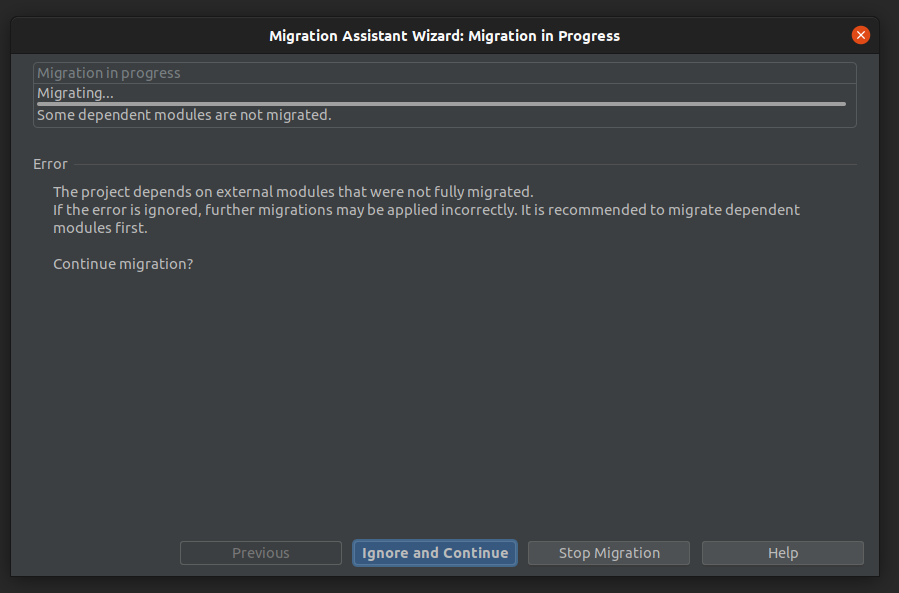
During the migration process, you may be alerted, more than once, that an error has occurred during the migration process. Each time this occurs, click on
Ignore and Continueto continue the migration process.
-
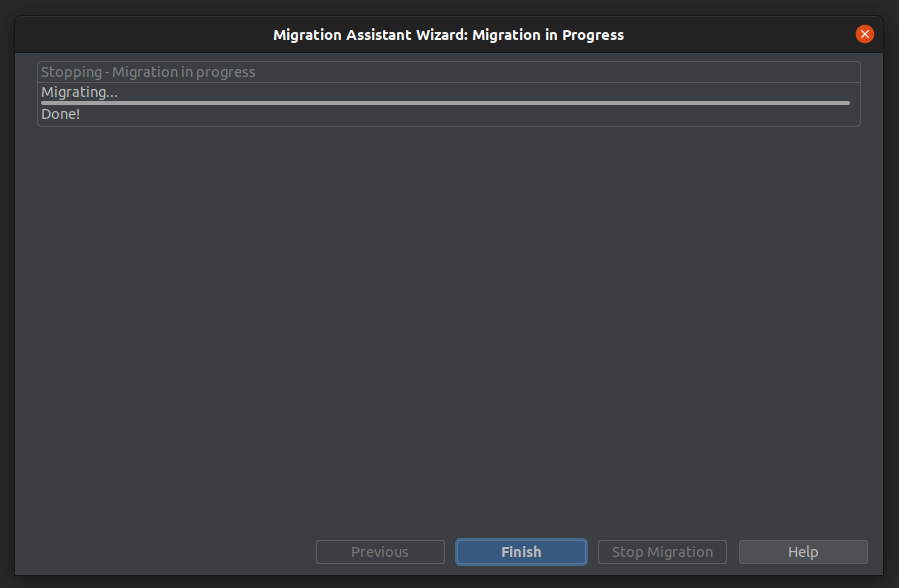
When the migration process has completed, click
Finish.
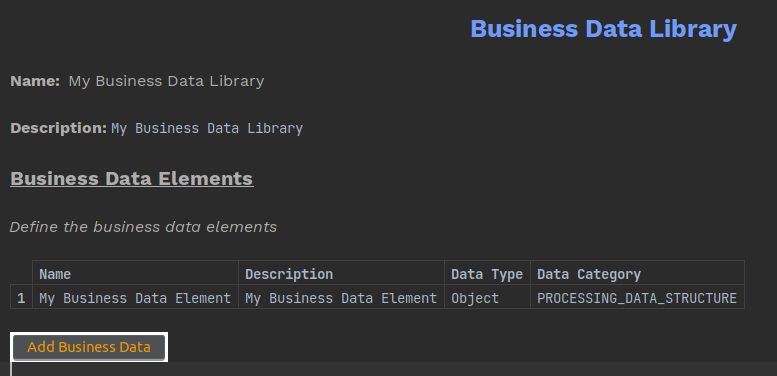
As part of the migration process, any CUSTOM business data elements will have been migrated to the new PROCESSING_DATA_STRUCTURE data category type. More detail about the deprecation of the CUSTOM data category type can be found in IPF 2023-4-0 Release Notes: Notable Changes and Improvements - Deprecate custom objects in IPF Processing Data.
Generated Code Migration
If upgrading from 2023.3.0.x, the DSL migration steps in the IPF 2023-4-0 Generated Code Migration section will need to be followed in addition to what is detailed in this section.
|
Domain Events in Aggregate Functions
Domain Events in aggregate functions are now available through the new mapping parameters MappingContext object. Below shows an example of how a DomainEvent can be accessed from the mapping parameters of an aggregate function via the MappingContext:
DomainEvent event = (DomainEvent) yourMappingParameters.getMappingContext().getEvent().orElseThrow(() -> new IconRuntimeException("The DomainEvent cannot be accessed from the MappingContext."));
The return type for yourMappingParameters.getMappingContext().getEvent() is an Optional<Event>.
|
Domain Events accessed through the MappingContext no longer contain references to specific business data elements. Therefore, any previous references to business data elements on a Domain Event in your code must now be added as input/output data in the DSL Mapping Function Definition and accessed via the aggregate function mapping parameters.